

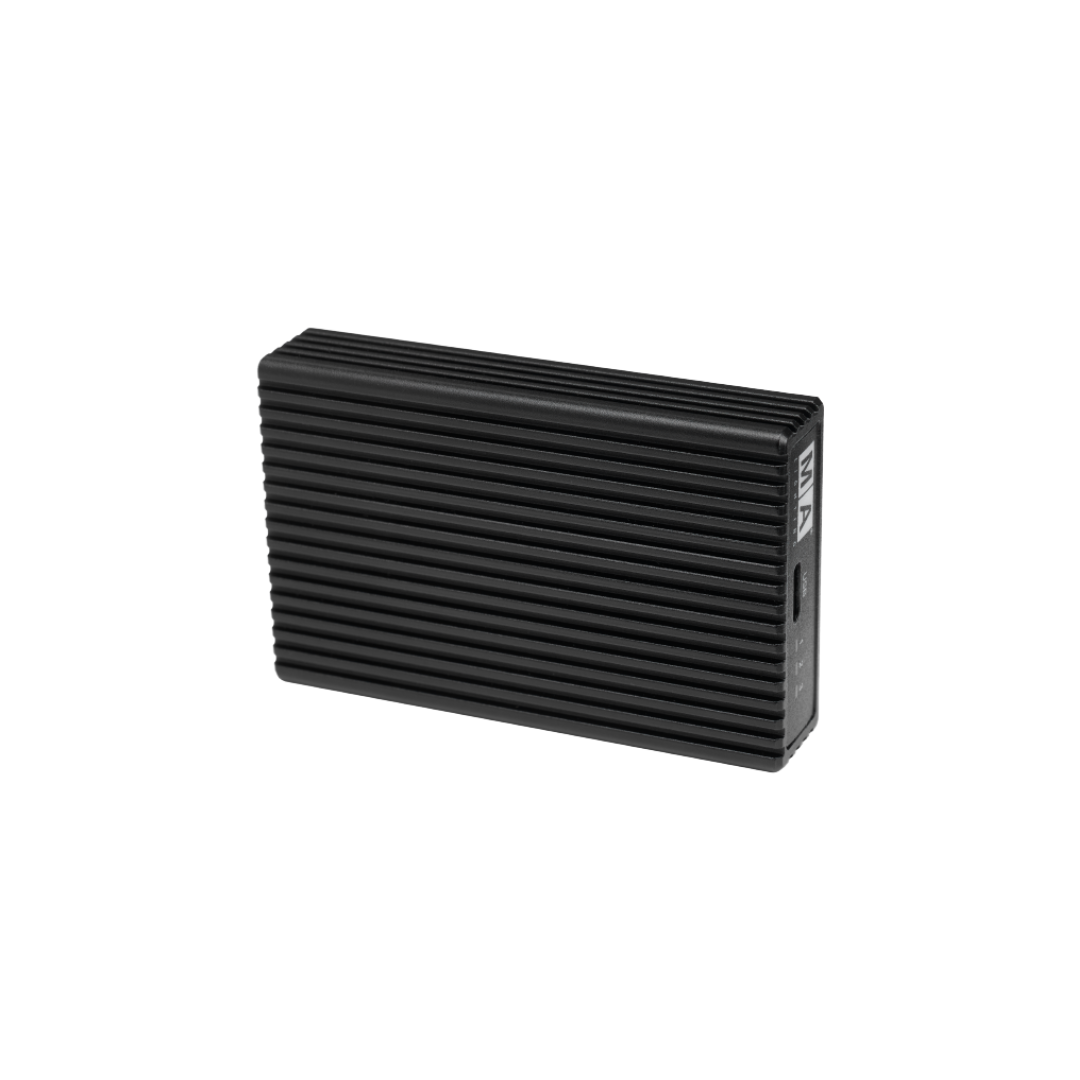
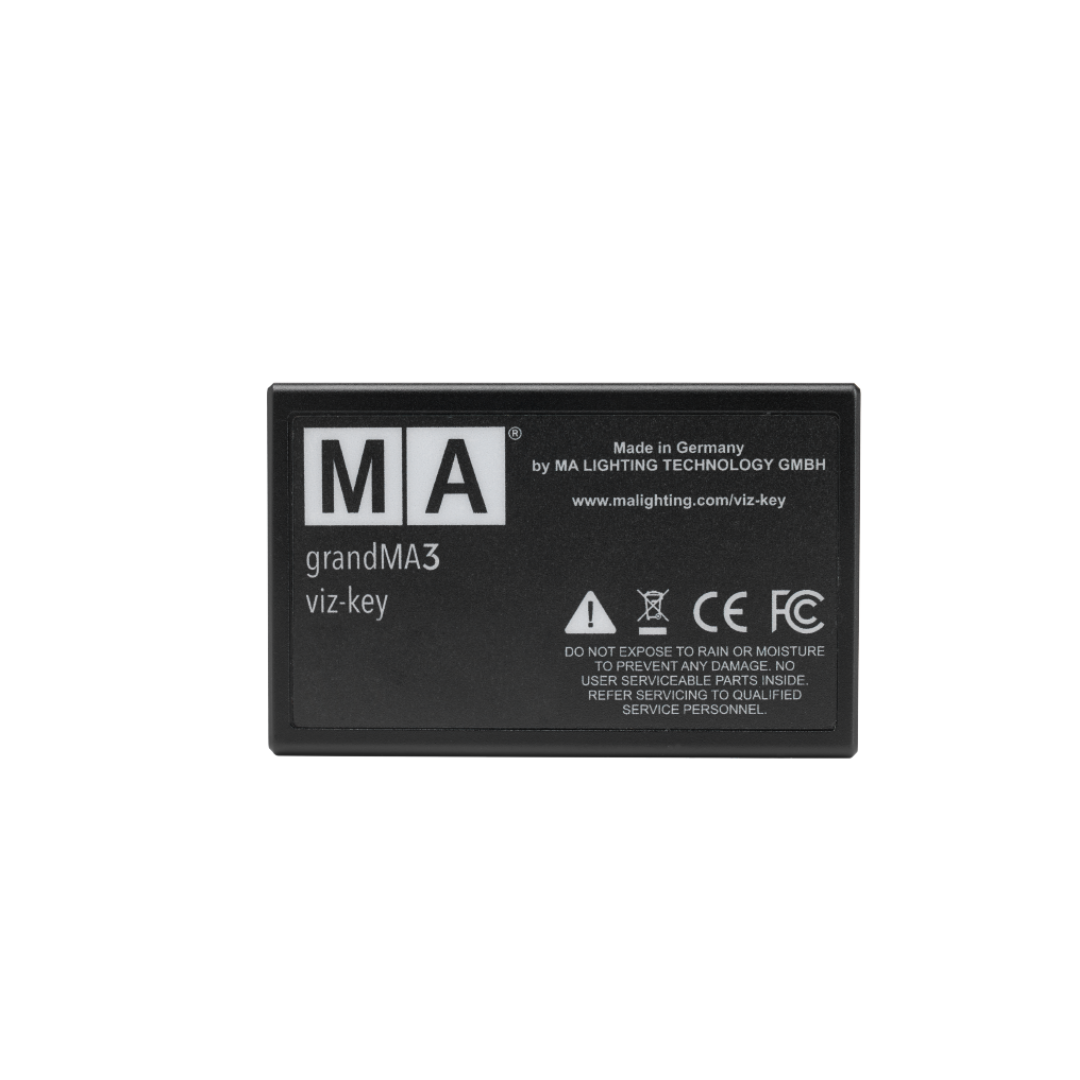
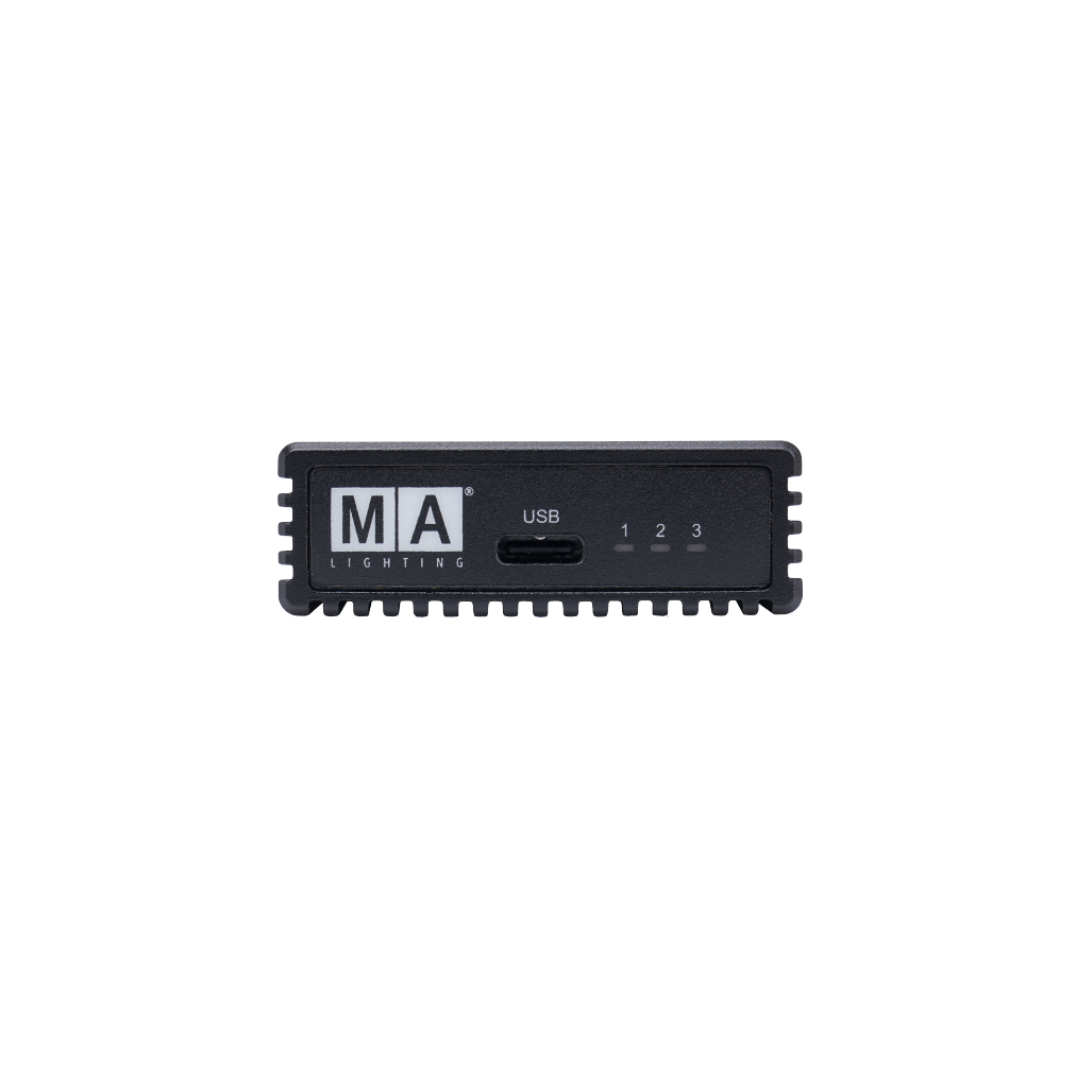
The grandMA3 viz-key is the unique solution for a stable and safe connectivity between third-party visualization tools and grandMA3 lighting control systems. Simply connect the grandMA3 viz-key with the visualization computer and it will enable all necessary parameters for visualization. The external visualizer will be recognized as a MA-Net3 device in the network for a direct connection to your grandMA3 session.
Coming Soon
Delivers within 1-2 days
Free delivery above 200 AED
Cash on delivery
14 days returnable
Courier return with a fee
Pairs well with
If you have any questions, you are always welcome to contact us. We'll get back to you as soon as possible, within 24 hours on weekdays.
-
WhatsApp
-
Phone
-
Email
For sales inquiries: sales@procom-me.com
For general inquiries: info@procom-me.com